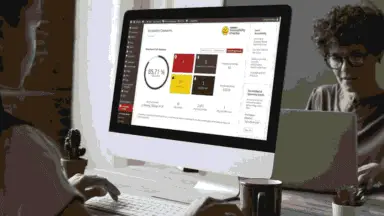
Accessible web with Accessibility Checker by Equalize Digital
Accessibility Checker for WordPress identifies and advises on how to solve web accessibility issues according to the WCAG success criteria.
WordPress powers a large portion of the Internet, and for a many good reasons, including its ease of use to create interesting and accessible content.
Accessibility Checker for WordPress identifies and advises on how to solve web accessibility issues according to the WCAG success criteria.

Display your personal mastodon feed or a tag timeline easily and efficiently in a WordPress post, and style it in a Pinteresque way with a sprinkle of CSS.
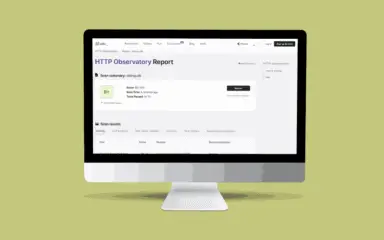
Securing websites is tricky, and it used to be hard to see what you were gaining from the effort. Not anymore. Security Headers is one piece of the puzzle.
Wordfence adds a firewall with rate limiting, brute force protection, malware scanner and two-factor authentication to any WordPress installation.

A collection of experiences using the Pods Framework together with the WordPress block editor and a kind of "dynamic content".

Should I use YouTube, VideoPress or local hosting with WordPress? Can Embed Privacy reduce data use and improve privacy? Let's find out!

It only takes 5 minutes to install WordPress. That’s good, because it leaves time for the responsibilities that come with hosting WordPress by yourself.
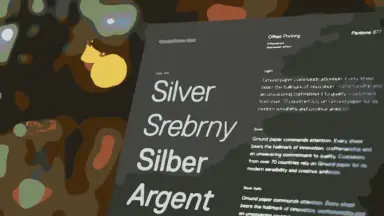
Five fluent font sizes and the Modern Font Stack available throughout the theme and editor ensure consistency, accessibility, and beautiful typography.

The stylebook demonstrates every block available in the WordPress editor 'Gutenberg', how use it, and appearance after changing design in the customizer.

Crop, resize and compress images, create accessible and efficient PDF files, optimize audio and video files for mobile and support localized subtitles.