
Pick your plugins carefully – this list will help get started
A curated index of tested and recommended plugins optimized for the theme stack. Includes compatibility guidelines for performance tuning, structural SEO, image processing, and multi-language support.
Content management
Accessibility Checker
Accessibility Checker by Equalize Digital, helps you spot and fix accessibility issues as you edit, giving clear guidance, so your site becomes easier for all visitors to use and stays aligned with accessibility standards.
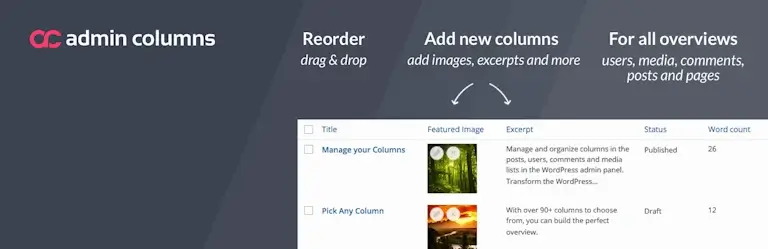
Admin Columns PRO
Extends WordPress list views with custom columns, allowing editors to easily sort, filter, and edit content directly from the dashboard overview. Great for featured images and alt texts.
Blocksy Companion PRO
An extension to the Blocksy theme with tight integration to WooCommerce, MailPoet and PolyLang, a flexible and accessible mega menu, GDPR-friendly local fonts, dark/light mode switch and more.

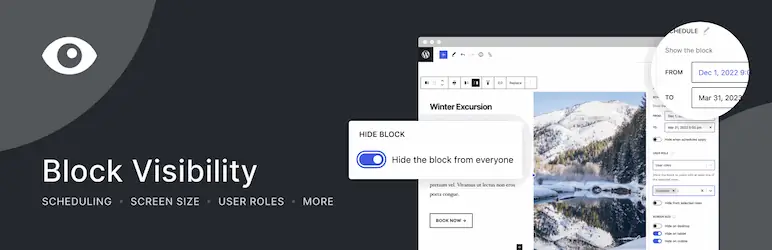
Block Visibility
Gives you fine‑grained control over when blocks appear by using conditions like user roles, dates, screen sizes, and query rules. A clean way to tailor content visibility without extra plugins or custom code.
Content Aware Sidebars
With Content Aware Sidebars, we display dynamic content and widgets based on page type, category or language, not only in the classic sidebar but also in the footer. Great for classic and hybrid themes.

Glossary
With Glossary, we create glossaries with tooltips, small bubbles with the definition of a word when you hover your mouse over it. Glossary is a great tool for making complex content more accessible.

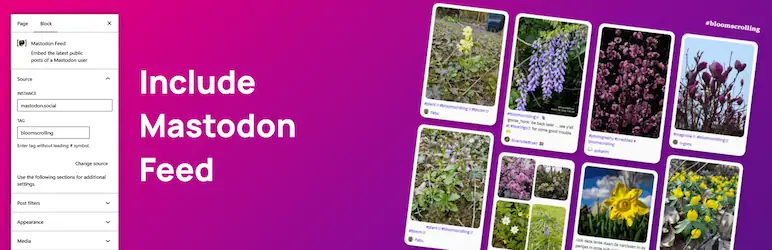
Include Mastodon Feed
Include Mastodon Feed lets you easily display Mastodon posts on your WordPress site with a simple Gutenberg block, designed for great accessibility, fast loading, and a smooth visitor experience.
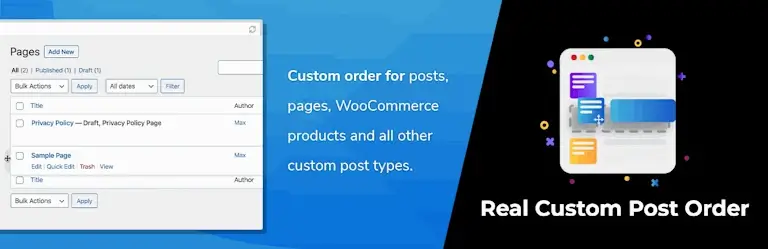
Real Custom Post Order
Allows manual sorting of posts, pages, and custom content types via drag-and-drop in the WordPress control panel. Handy for selecting relevant posts for the front page.
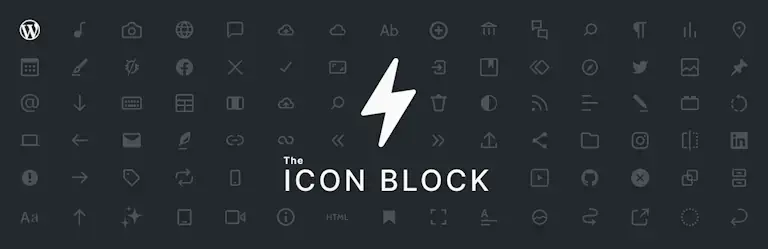
The Icon Block
The Icon Block makes it easy to add icons to content. SVG graphics ensure scalability and high quality with no loss of detail. Colours can be controlled by the theme, which is very handy in light and dark mode.
Support for multiple languages
Polylang
Enables you to create and manage multilingual websites by attaching translations to posts, pages, categories, and custom content types. We support all 24 official languages of the European Union.

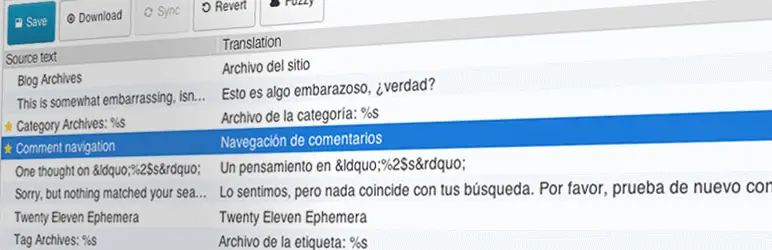
Loco Translate
Enables translation of WordPress themes and plugins directly in the control panel with a built-in editor. Translations can be exported to other websites. We translate all texts, including aria labels.
Custom Post Types (CPT’s)
Advanced Custom Fields (ACF®) PRO
Adds flexible and structured custom fields to posts, pages, and content types, enabling advanced data management and layout control. Examples include products, jobs, members, containers.
Pods – Custom Content Types and Fields
Allows you to create and manage custom content types, fields, and relationships, with excellent support for WordPress Gutenberg blocks and custom templates.

Search and filtering
Ajax Search Lite PRO
With Ajax Search Lite, we get an accessible and privacy-friendly AJAX search field with live results, search suggestions, local indexing, and the ability to narrow down and filter search results.

Relevanssi – A Better Search
Relevanssi replaces the standard WordPress search engine. The plugin weights search results by relevance, can search custom fields and excerpts, and can log unsuccessful searches.

Privacy and GDPR
Antispam Bee
Antispam Bee identifies and blocks spam comments based on IP, country, and content analysis – without CAPTCHA or cookies. If we use the comment functionality, this plugin is highly recommended.

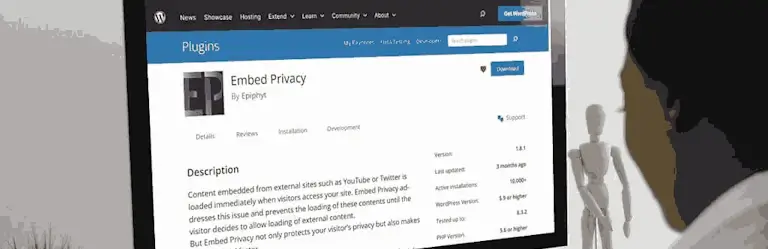
Embed Privacy
Improves GDPR compliance by blocking external embeds such as YouTube, Vimeo, and Spotify until the user actively accepts data sharing via consent. With Embed Privacy, we can avoid cookie pop-ups.
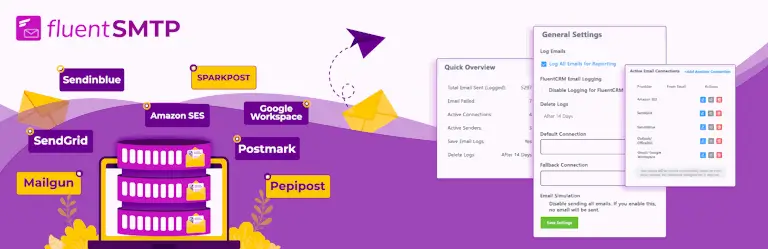
FluentSMTP
With FluentSMTP, we send emails from WordPress via authorised SMTP connections. This minimises the risk of being considered spam, and we can log the traffic to ensure that all emails arrive.
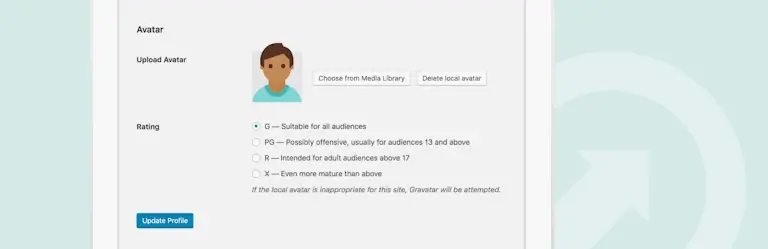
Simple Local Avatars
Adds support for custom avatars stored locally, eliminating the need for external services such as gravatar.com and improving privacy and GDPR compliance.
Security, logging, and backups
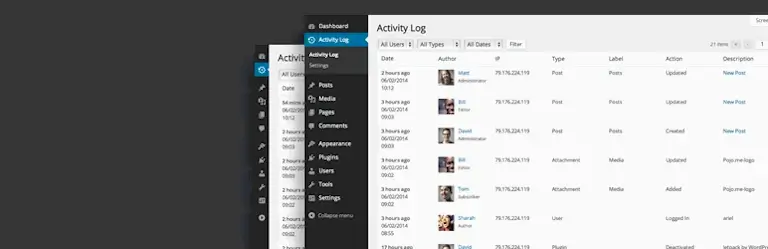
Activity Log – Monitor & Record User Changes
Records and displays changes made by users in WordPress, giving us an overview of activity. Extremely valuable when we need to track down the cause of technical or content errors.
All-In-One WP Migration and Backup PRO
Clone or ‘migrate’ websites to archives, offline backups, and from development sites to live sites. We archive the old website for future reference and develop in peace and quiet on a separate subdomain.

Plugin Report
Plugin Report generates an exportable overview of all installed plugins, including versions, authors, and update status. A quick way to audit, document, and share our WordPress setup.

UpdraftPlus – Backup/Restore
Automates backup of WordPress websites to external storage. Allows filtering of what the backup should contain, e.g. only database and media, for a lean and always complete backup.

Wordfence Security – Firewall and Login Security
Adds a firewall, malware scanning, and login protection to WordPress, strengthening security against attacks and unauthorised access. Two-factor login in particular is an easy and effective preventative measure.

Speed optimisation and file compression
EWWW Image Optimizer PRO
Automatically optimises images or PDFs upon upload and in bulk, reducing file sizes and improving loading times. We aim for a page size of less than ½ MB, and effective compression is the means to this end.

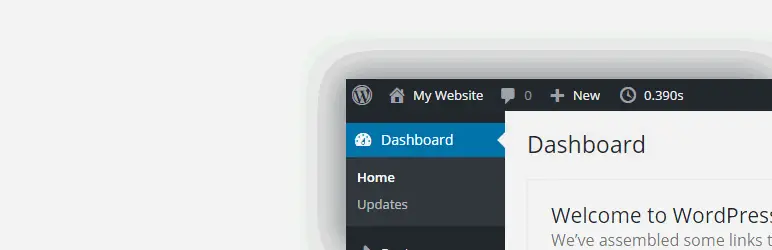
GenTime: Inspect page generation time
GenTime shows the server‑side page generation time in the WordPress admin bar, giving quick insight into PHP and database performance. A tiny tool for spotting slowdowns during development.
LiteSpeed Cache
Improves WordPress speed and performance by implementing server-side caching for faster loading and lower load. We prioritise JS and CSS files being fetched externally so that they can be cached.

SEO and visitor statistics
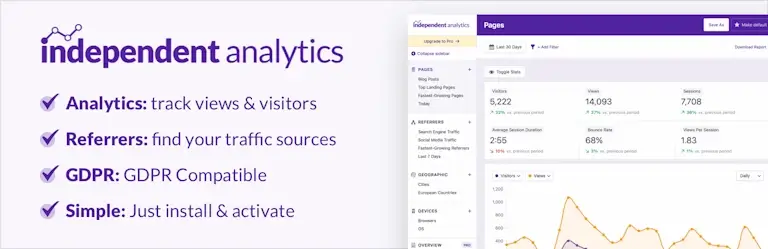
Independent Analytics
GDPR-compliant web analytics without cookies, with real-time statistics, reports and referral data directly in WordPress. Independent of external services like Google Analytics. Matomo is also an option.
Redirection
The Redirection plugin helps manage redirects, improving user experience and SEO by preventing 404 errors and preserving link value. Indispensable for website redesigns.

The SEO Framework
Automates technical SEO optimisation with meta tags and structured data, without advertising or tracking, and with a focus on performance and data protection. A superb alternative to Yoast or RankMath.

E-commerce with WooCommerce and Vipps
WooCommerce
WooCommerce supports MobilePay and credit cards, and handles both physical goods and digital products such as event registrations, all neatly integrated into WordPress and the Blocksy Pro theme.

Advanced Product Fields for WooCommerce PRO
Advanced Product Fields for WooCommerce adds flexible, custom fields to products, such as text, checkboxes, and dates, perfect for customising orders and complex product variants.

Checkout Field Editor for WooCommerce
Woo Checkout Field Editor allows shops in Denmark to remove unused fields such as “state”, adapt checkout to Danish legislation and improve the user experience with local payment and address requirements.

Pay with Vipps and MobilePay for WooCommerce
Adds MobilePay and credit card payments to WooCommerce, providing Nordic online shops with secure, fast and user-friendly payment options. Requires a business agreement with MobilePay.

Minor adjustments and experimental code
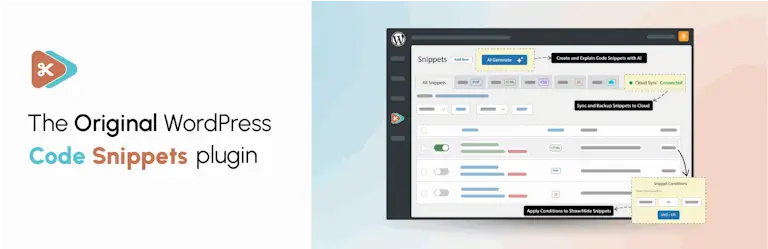
Code Snippets
The Code Snippets plugin for WordPress makes it easy to add, manage, and organise custom PHP code snippets without editing your theme files directly. Very handy during prototyping and experimentation.
Simple Custom CSS and JS
The Custom CSS & JS plugin for WordPress allows you to add and manage custom CSS and JavaScript for both the frontend and backend (block editor) without changing theme or plugin files.
WPCodeBox PRO
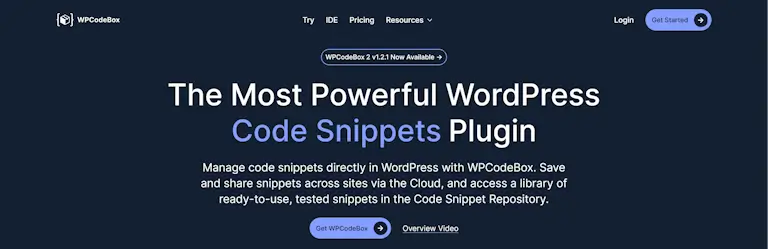
WPCodeBox is a WordPress plugin that allows you to easily add, manage and organise PHP code, CSS and JavaScript, with version control and code library for both frontend and backend.
Web hosting recommendations
Supported WordPress versions
WordPress plugins and themes used, have been tested with the at the time of writing supported and recommended versions of WordPress and PHP.
| Software | Supported version |
|---|---|
| WordPress | 7.1+ |
| PHP | 8.4+ |
| MariaDB | 10.11+ |
Recommended hosting
I recommend web hosts that host green according to Green Web Foundations with cPanel or similar, e.g. Azehosting, Oderland, NordicWay and Simply.